
Vlbook Forgot Password – Easy Reset Process
If you’re unable to access your Vlbook account, don’t worry. With the Vlbook Forgot Password option, you can easily reset your information and return to your account. We have made the process easy so every user can recover his login without any confusion.
Whether you are playing the Vlbook Betting App or website, you can follow a few easy steps and keep on enjoying your betting and casino games.
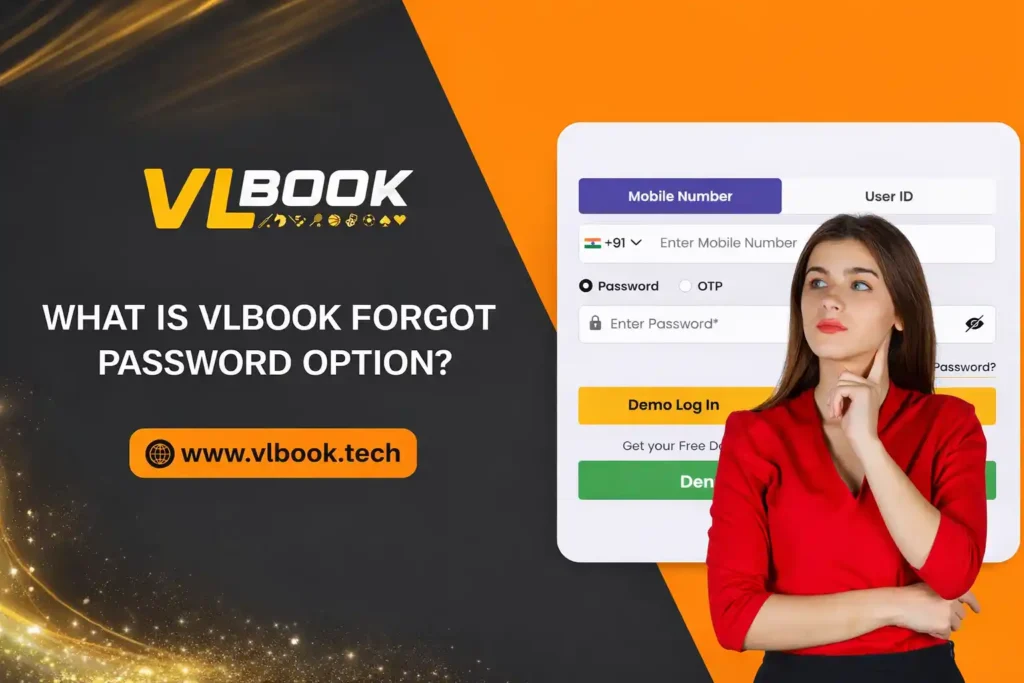
What is Vlbook Forgot Password Option
The Vlbook Forgot Password is a feature that assists people to reset their password if they forget it or cannot log in. Instead of creating a new account, you can recover your old account using your registered mobile number or Vlbook ID.
This helps in keeping your account secure and storing your previous data, balance, and activities.
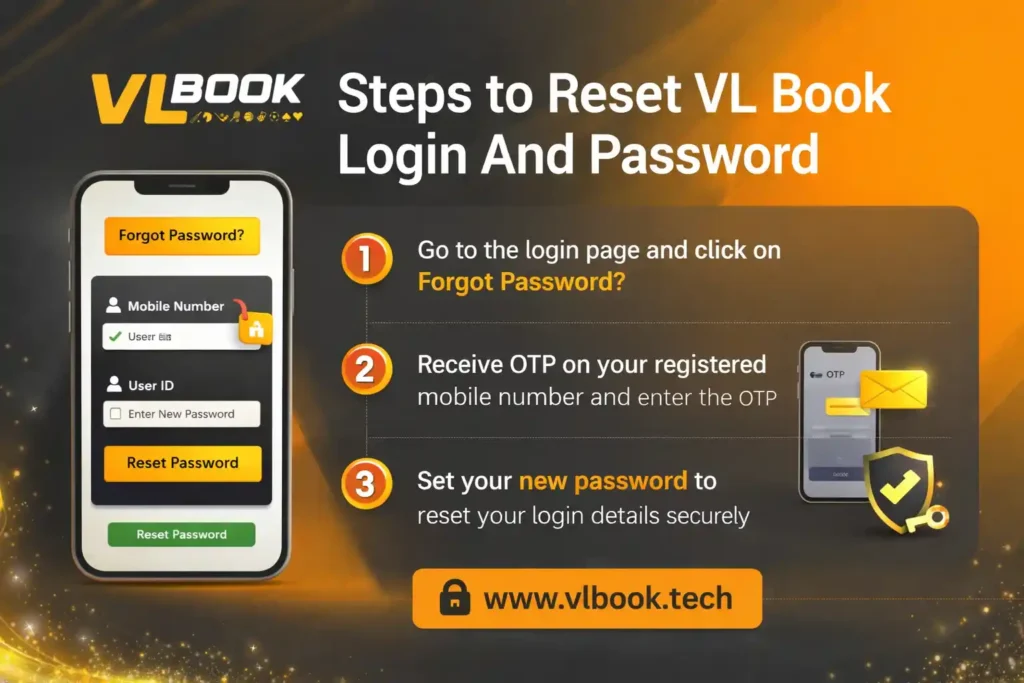
Steps to Reset Vl Book Login And Password
Follow these simple steps to reset your password:
- Open the official website www.vlbook.tech or the Vlbook Betting App
- Click on Vlbook Login
- Select the Vlbook Forgot Password option
- Enter your registered mobile number or Vlbook ID
- Request an OTP
- Enter the OTP received on your phone
- Create a new password
- Login again with your new details
This method is quick and works for most users
Vlbook OTP Verification Process
Vlbook mainly uses mobile based login, so OTP verification is very important.
- You will receive an OTP on your registered number
- The OTP is valid for a short time
- Enter it correctly to continue
- After verification, you can set a new password
Make sure your mobile number is active while resetting your password.
What to Do if OTP is Not Received
If you do not get the OTP, try these steps:
- Check your mobile network
- Wait for a few seconds
- Click on resend OTP
- Restart your phone if needed
These simple steps usually solve the issue.
Common Login Problems and Solutions
Sometimes users may face issues during the reset process. Here are some common problems and their fixes.
- Page not loading
- OTP not coming
- Reset option not working
- Clear browser cache
- Update your Vlbook Betting App
- Try another browser or device
- Check your internet connection
Contact Vlbook Customer Care Number
If you cannot reset your password, you can contact the Vlbook customer care number or support team.
- You forgot both password and Vlbook ID
- Your mobile number is not working
- Your account is locked
- WhatsApp support
- Email support
- Your Vlbook Club agent
- Registered mobile number
- Vlbook ID
- Account verification details
Create a Strong Vlbook Password
After resetting your password, make sure to create a strong one.
- Use letters and numbers together
- Avoid simple passwords
- Do not share your password with anyone
Why Account Recovery is Important
Once you recover your account, you can enjoy all features again.
- Access live betting events daily
- Play casino games
- Get fast withdrawals
- Win exciting rewards
Get Back to Your Vlbook Account Easily
The process of the Recover Vlbook Forgot Password is simple and user friendly. You can reset your password in a matter of steps and continue using your account without any trouble.
We will always suggest you to use the Vlbook Official platform and keep your log-in details safe. If you have any problem, our support team is always at your service.